

AI Agent Component Spec
AI Agent Component Spec
- Package:
@cometchat/chat-uikit-react—npm install @cometchat/chat-uikit-react+npx astro add react - Required setup:
CometChatUIKit.init(UIKitSettings)thenCometChatUIKit.login("UID")— must complete before rendering - SSR: CometChat requires browser APIs — use
client:only="react"directive on Astro islands - Init code:
new UIKitSettingsBuilder().setAppId("APP_ID").setRegion("REGION").setAuthKey("AUTH_KEY").build() - Framework: Astro (this page) | React.js | Next.js | React Router
- All components: Components Overview
@astrojs/react integration to get themeable chat UI with client:only="react" islands.
Prerequisites
Create a CometChat application via the CometChat Dashboard. The dashboard provides user management, group chat, voice/video calling, and real-time notifications. Required credentials from the dashboard:- App ID
- Auth Key
- Region
Getting Started
Install Dependencies
- Install CometChat UI Kit
- Add React to Astro
Create a
.env file at the project root:Initialize CometChat (UI Kit)
Shared initializer that reads from environment variables:
Replace placeholders with actual CometChat credentials before testing.
User Login
The example islands handle login automatically using
ensureLogin(uid) from src/lib/cometchat-init.js. Configure PUBLIC_COMETCHAT_LOGIN_UID (and PUBLIC_COMETCHAT_TARGET_UID for one-to-one) in .env.Auth Key is for development/POC only. Use Auth Token in production.
Test UIDs:
cometchat-uid-1 through cometchat-uid-5.Choose a Chat Experience
Three layout options: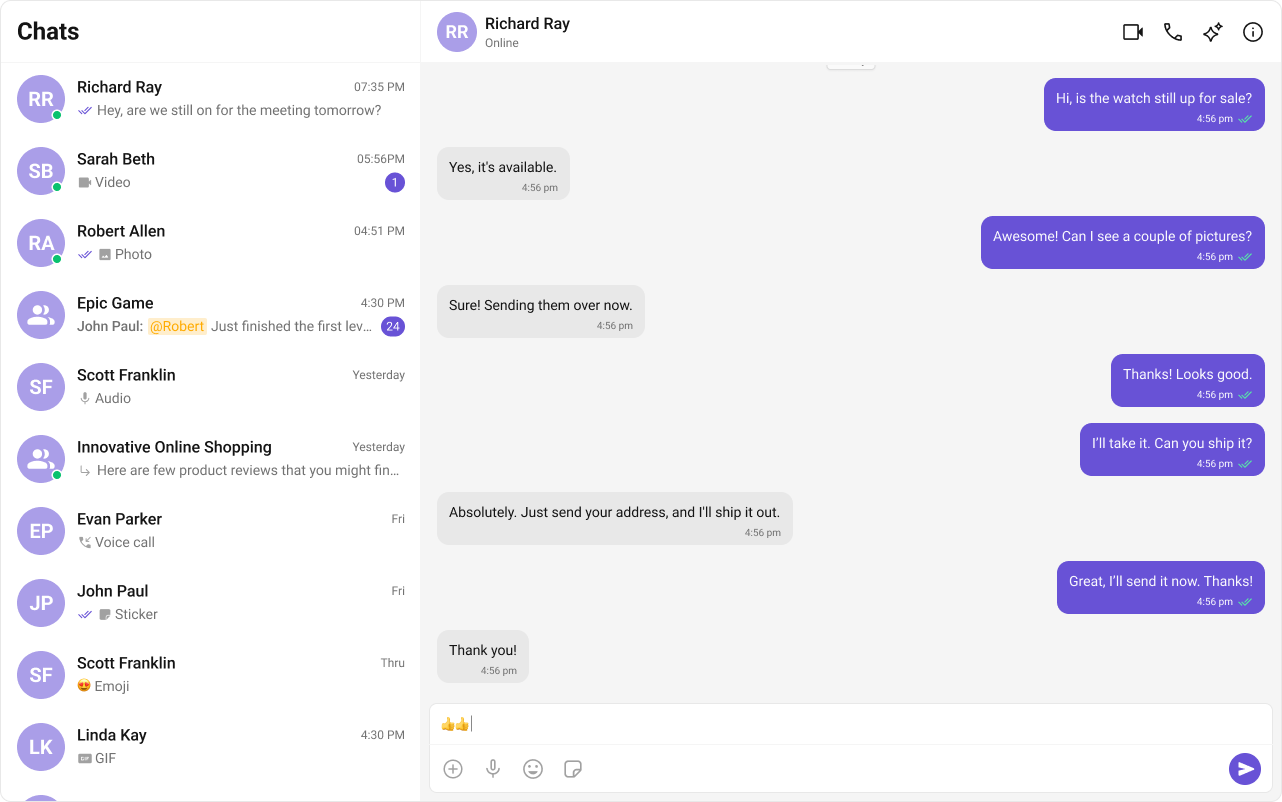 Integrate Conversation List + Message
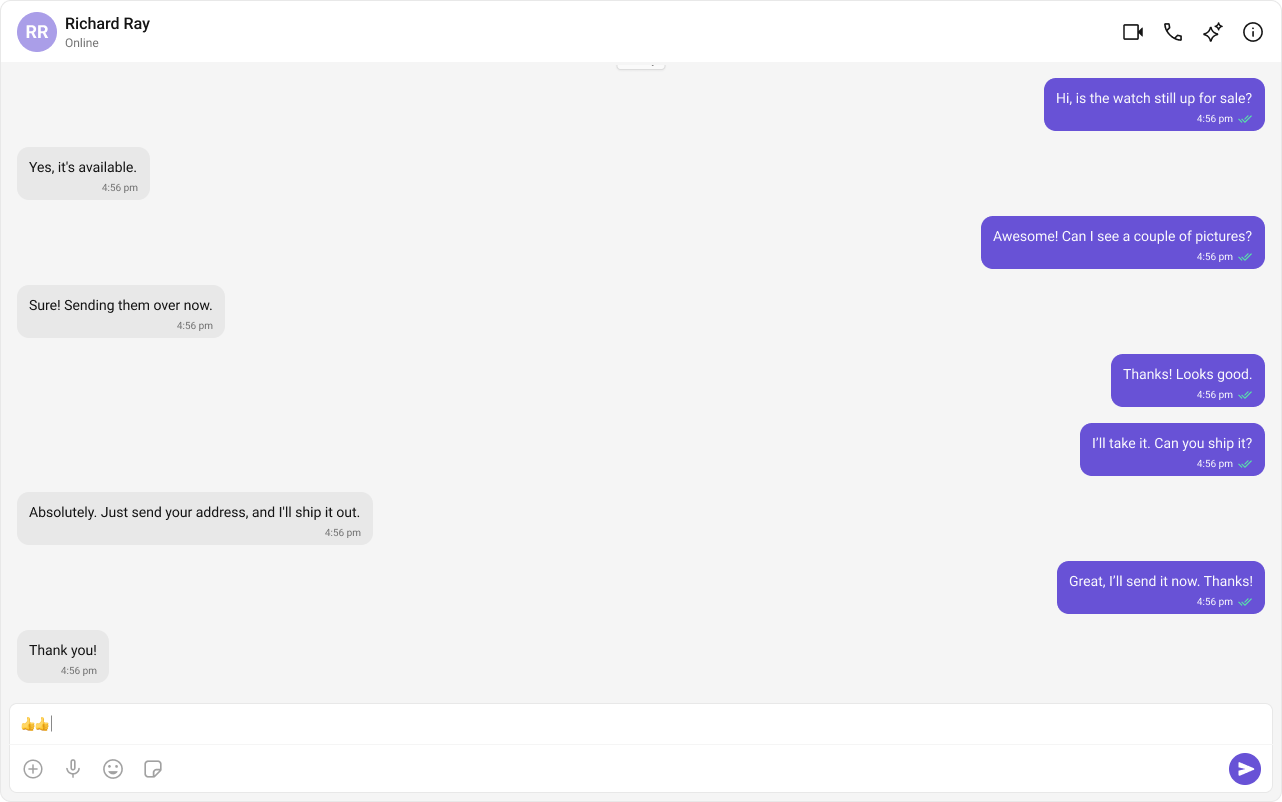 Integrate One-to-One/Group Chat
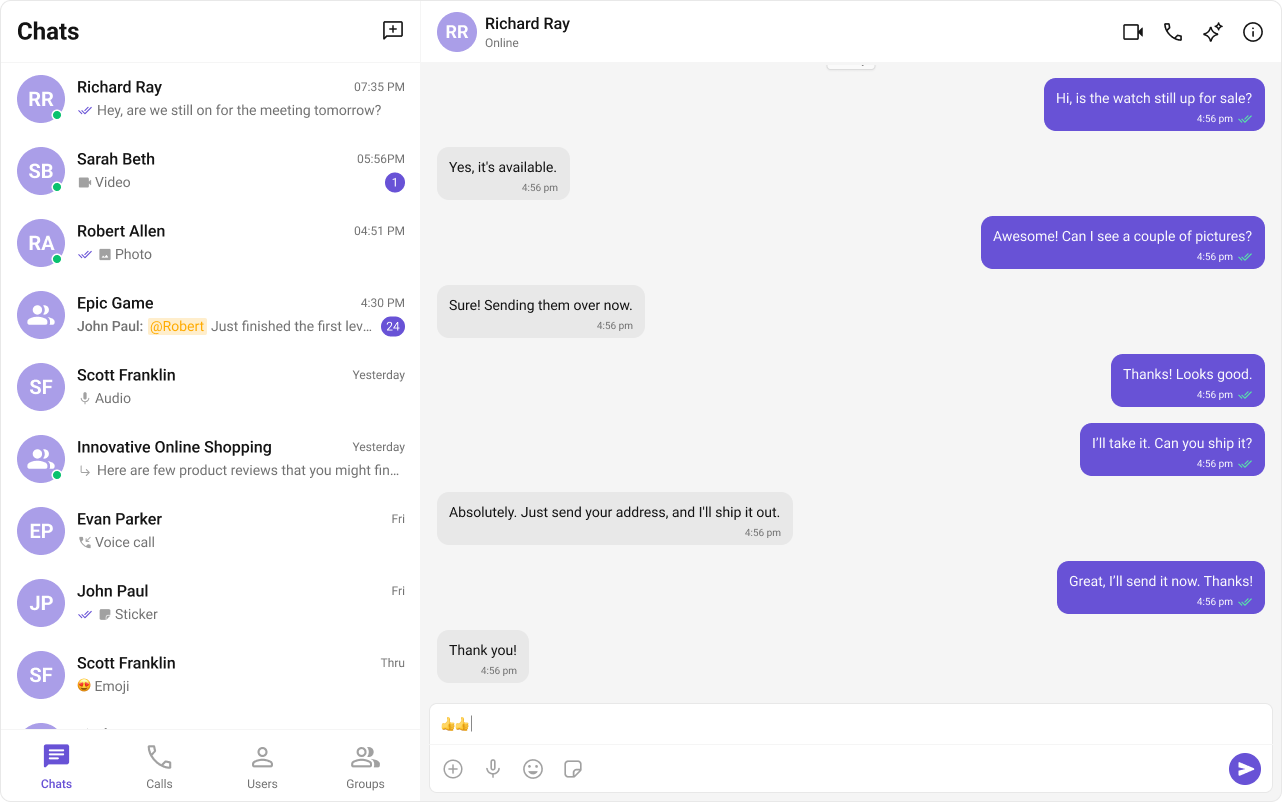 Integrate Tab-Based Chat
Conversation List + Message View
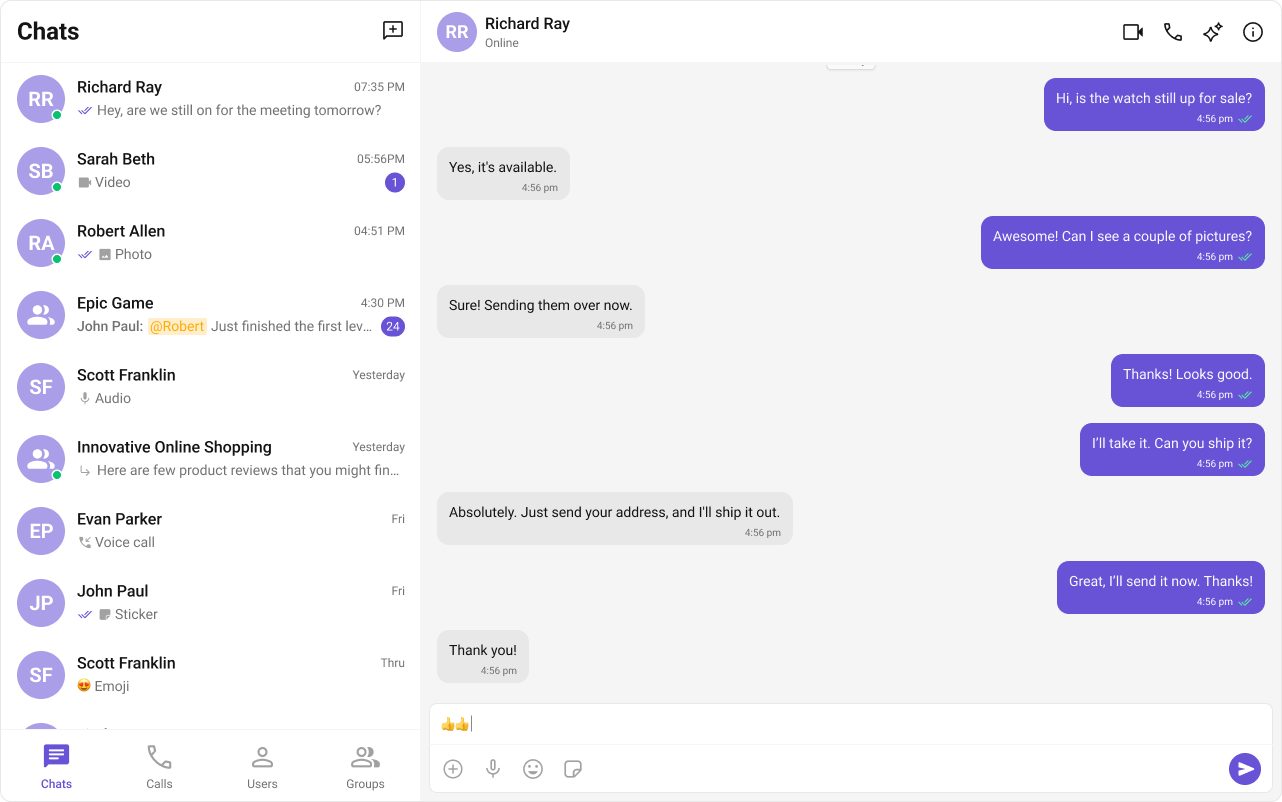
Two-panel layout: conversation list on the left, active chat on the right. Supports 1:1 and group conversations with real-time updates.One-to-One/Group Chat
Single chat window without a conversation list. Supports both 1:1 and group messaging.Tab-Based Chat Experience
Tab navigation between Chat, Call Logs, Users, and Settings. Works across desktop and mobile.