AI Agent Component Spec
AI Agent Component Spec
- Package:
@cometchat/chat-uikit-react - Required setup:
CometChatUIKit.init(UIKitSettings)thenCometChatUIKit.login("UID")+ Extensions enabled in CometChat Dashboard - Extension categories: User Experience, User Engagement, Collaboration, Security, Customer Support, Smart Chat Features
- Key components:
CometChatMessageComposer→ Message Composer (Stickers, Polls, Whiteboard, Document),CometChatMessageList→ Message List (Translation, Link Preview, Thumbnails) - Activation: Enable each extension from the CometChat Dashboard — UI Kit auto-integrates them, no additional code required
Overview
CometChat UI Kit includes built-in support for extensions that add interactive, secure, and efficient features to chat. Extensions are activated from the CometChat Dashboard and auto-integrate into UI Kit components on init and login.Ensure
CometChatUIKit.init(UIKitSettings) has completed and the user is logged in via CometChatUIKit.login("UID"). Extensions must be activated from the CometChat Dashboard.Built-in Extensions
The grouping below mirrors the CometChat Dashboard.User Experience
Bitly
Shortens long URLs in text messages using Bitly. See Bitly Extension.Link Preview
Displays a summary (title, description, thumbnail) for URLs shared in chat. See Link Preview Extension. Auto-integrates into the Message Bubble of MessageList when activated.
Message Shortcuts
Sends predefined messages using short codes (e.g.,!hb expands to Happy birthday!). See Message Shortcuts Extension.
Pin Message
Pins important messages in a conversation for easy access. See Pin Message Extension.Rich Media Preview
Generates rich preview panels for URLs using iFramely. See Rich Media Preview Extension.Save Message
Bookmarks messages for later reference. Saved messages are private to the user. See Save Message Extension.Thumbnail Generation
Creates smaller preview images for shared images, reducing bandwidth. See Thumbnail Generation Extension. Auto-integrates into the Message Bubble of MessageList when activated.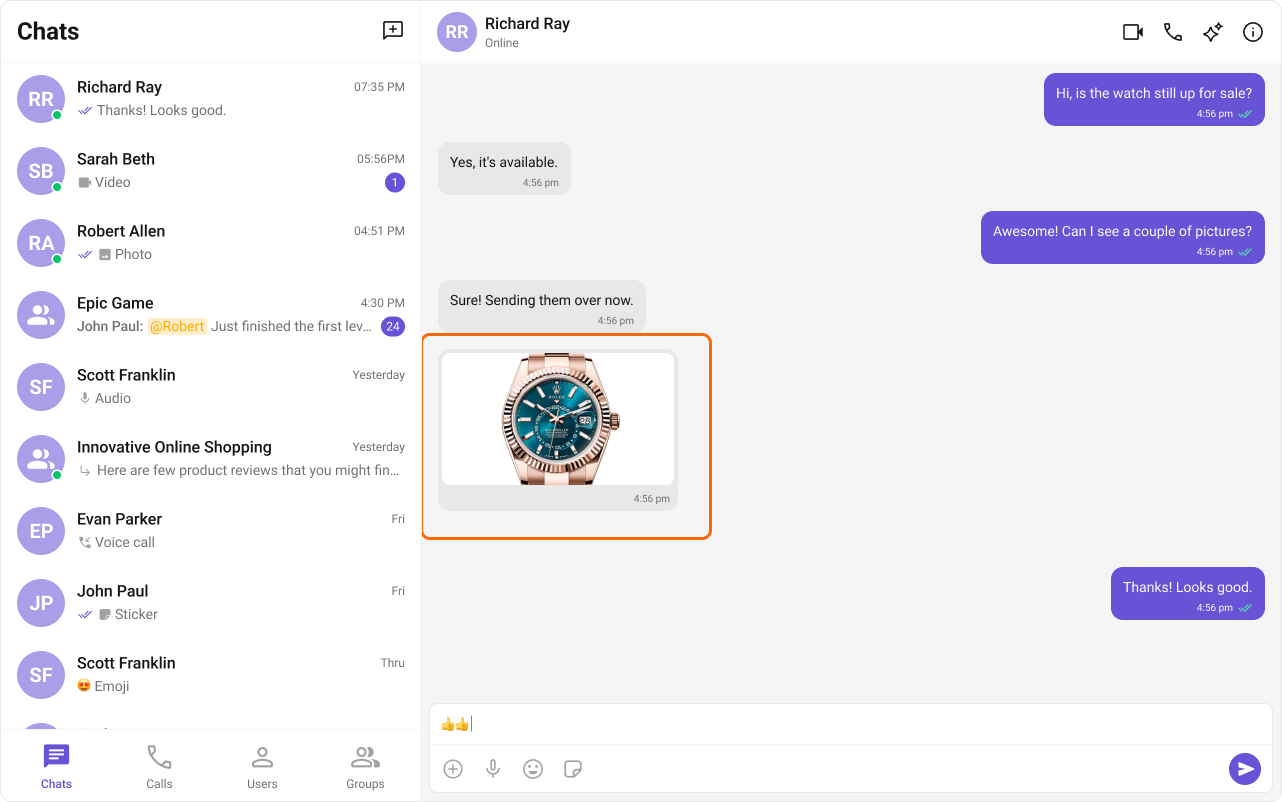
TinyURL
URL shortening using TinyURL. See TinyURL Extension.Voice Transcription
Converts audio messages to text. See Voice Transcription Extension.User Engagement
Giphy
Search and share GIFs from Giphy. See Giphy Extension.Message Translation
Translates messages into the local locale. See Message Translation Extension. Auto-integrates into the Action Sheet of MessageList when activated.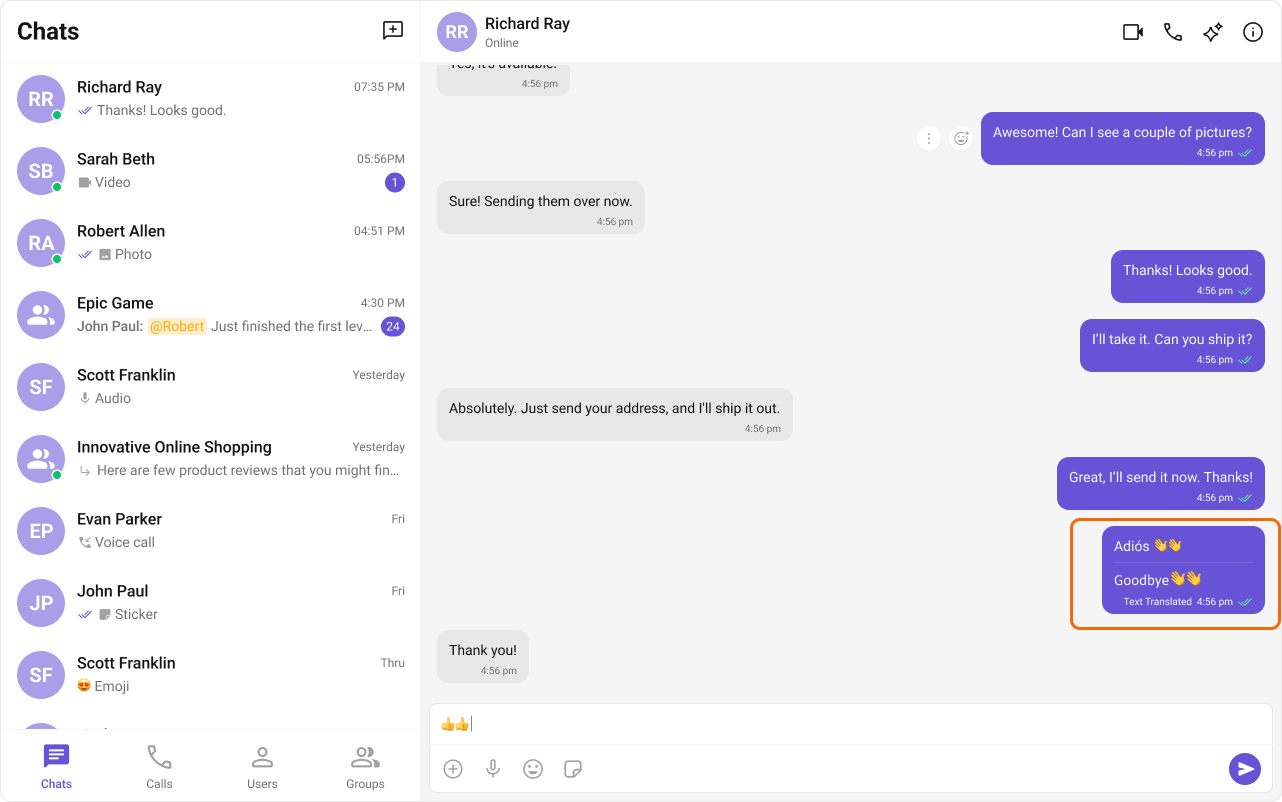
Polls
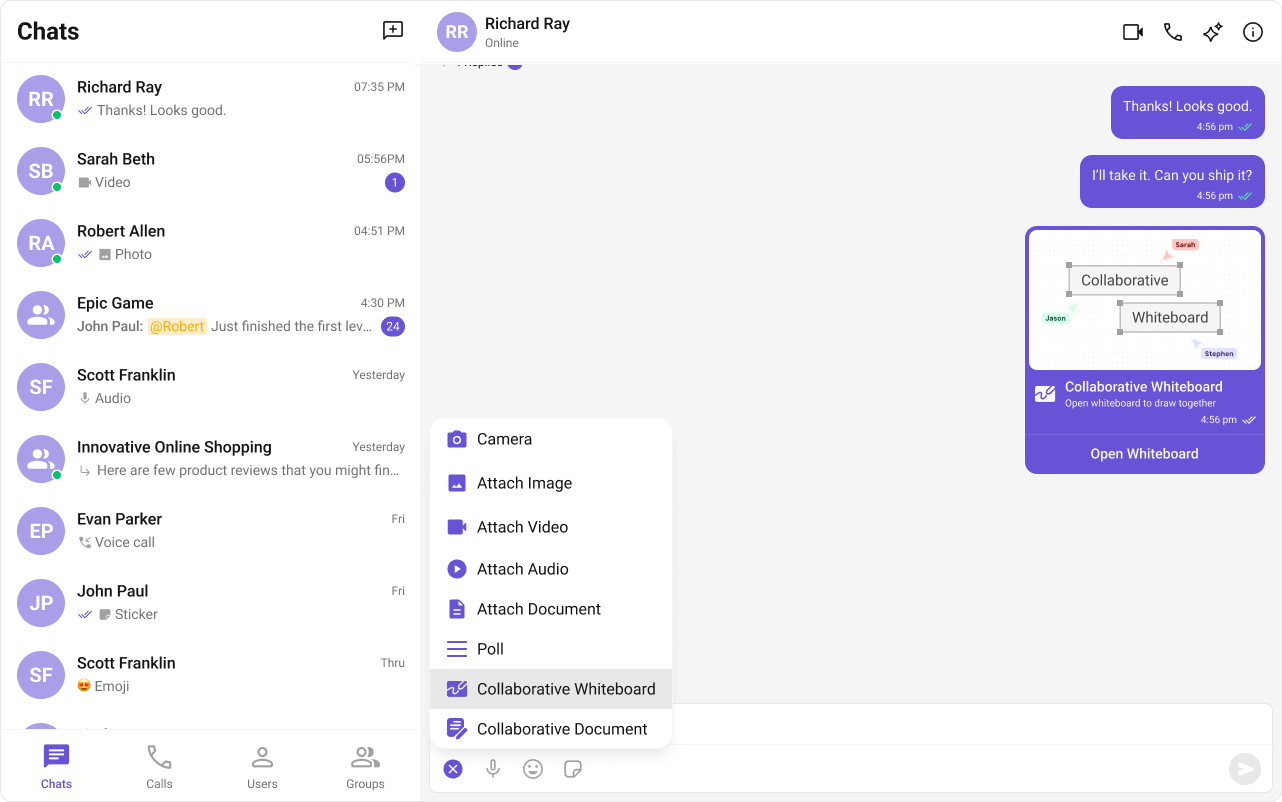
Creates polls in group discussions with predefined answer options. See Polls Extension. Auto-integrates into the Action Sheet of Message Composer when activated.
Reminders
Sets reminders for messages or creates personal reminders. A bot sends a notification when due. See Reminders Extension.Stickers
Sends pre-designed stickers in chat. See Sticker Extension. Auto-integrates into Message Composer when activated.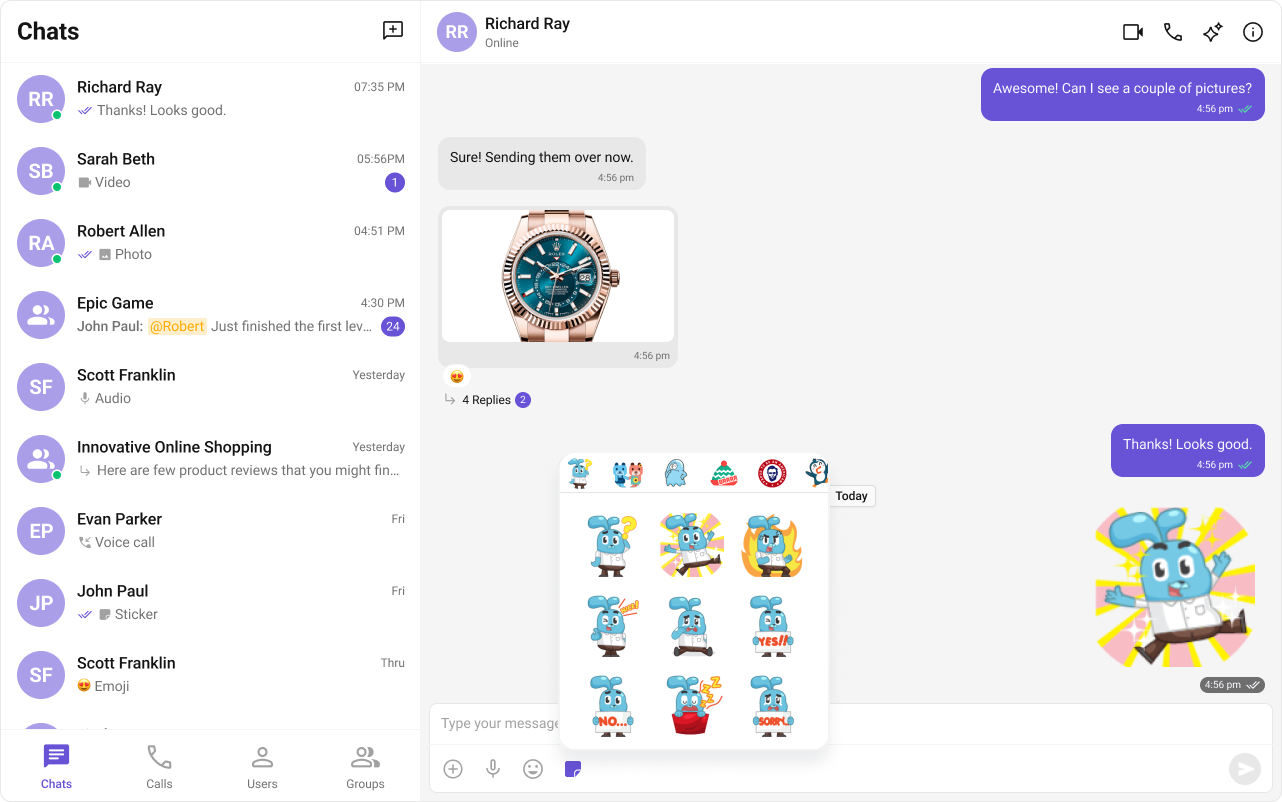
Stipop
Integrates Stipop’s sticker library. See Stipop Extension.Tenor
Search and share GIFs from Tenor. See Tenor Extension.Collaboration
Collaborative Document
Shared document editing for real-time collaboration. See Collaborative Document Extension. Auto-integrates into the Action Sheet of Message Composer when activated.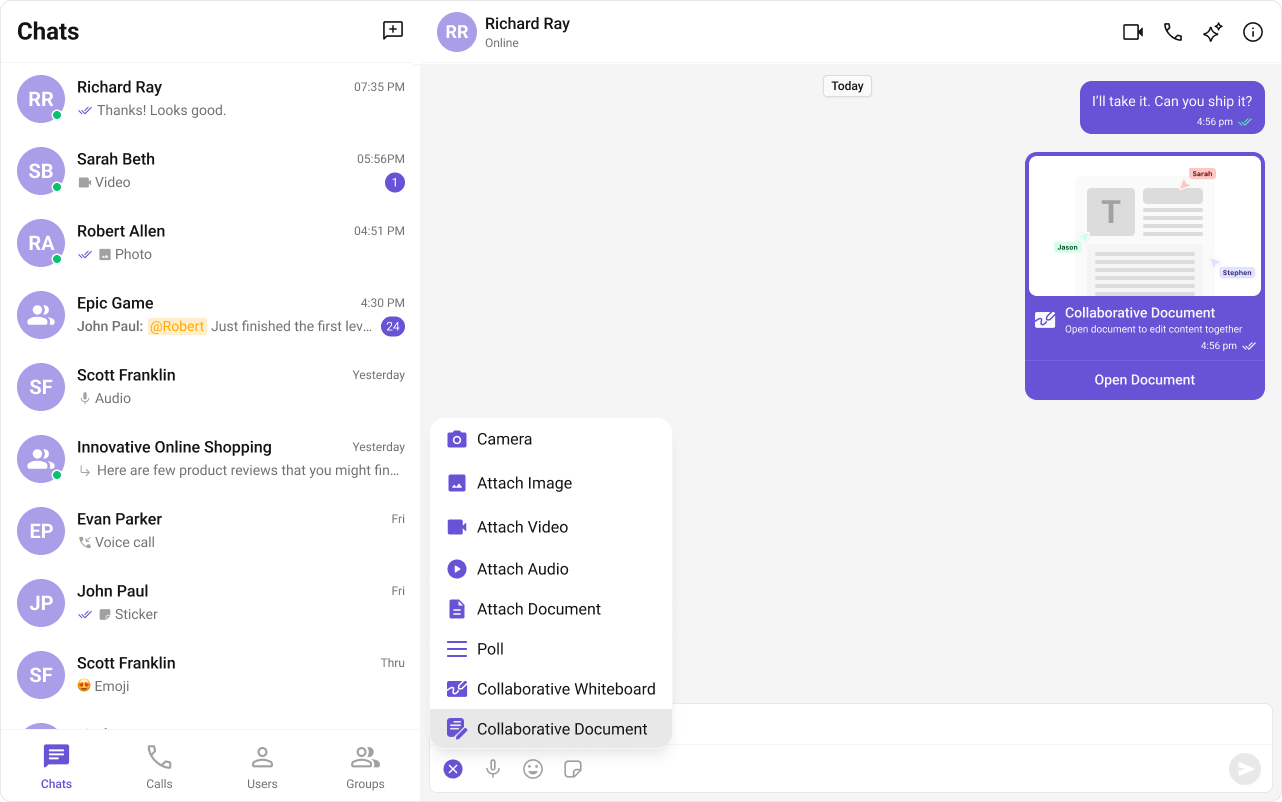
Collaborative Whiteboard
Real-time shared whiteboard for drawing and brainstorming. See Collaborative Whiteboard Extension. Auto-integrates into the Action Sheet of Message Composer when activated.