AI Agent Component Spec
AI Agent Component Spec
- Package:
@cometchat/chat-uikit-react - Required setup:
CometChatUIKit.init(UIKitSettings)thenCometChatUIKit.login("UID")+ AI features enabled in CometChat Dashboard - AI features: Conversation Starter, Smart Replies, Conversation Summary
- Key components:
CometChatMessageList→ Message List (Conversation Starter),CometChatMessageComposer→ Message Composer (Smart Replies, Summary),CometChatAIAssistantChat→ AI Assistant Chat - Activation: Enable each AI feature from the CometChat Dashboard — UI Kit auto-integrates them, no additional code required
Overview
CometChat AI features enhance user interaction by providing contextual suggestions and summaries. Each feature is activated from the Dashboard and auto-integrates into UI Kit components.Smart Chat Features
Conversation Starter
Displays AI-generated opening lines when a user starts a new chat. See Conversation Starter. Auto-integrates into MessageList when activated.
Smart Replies
AI-generated response suggestions based on conversation context. See Smart Replies. Auto-integrates into the Action Sheet of MessageComposer when activated.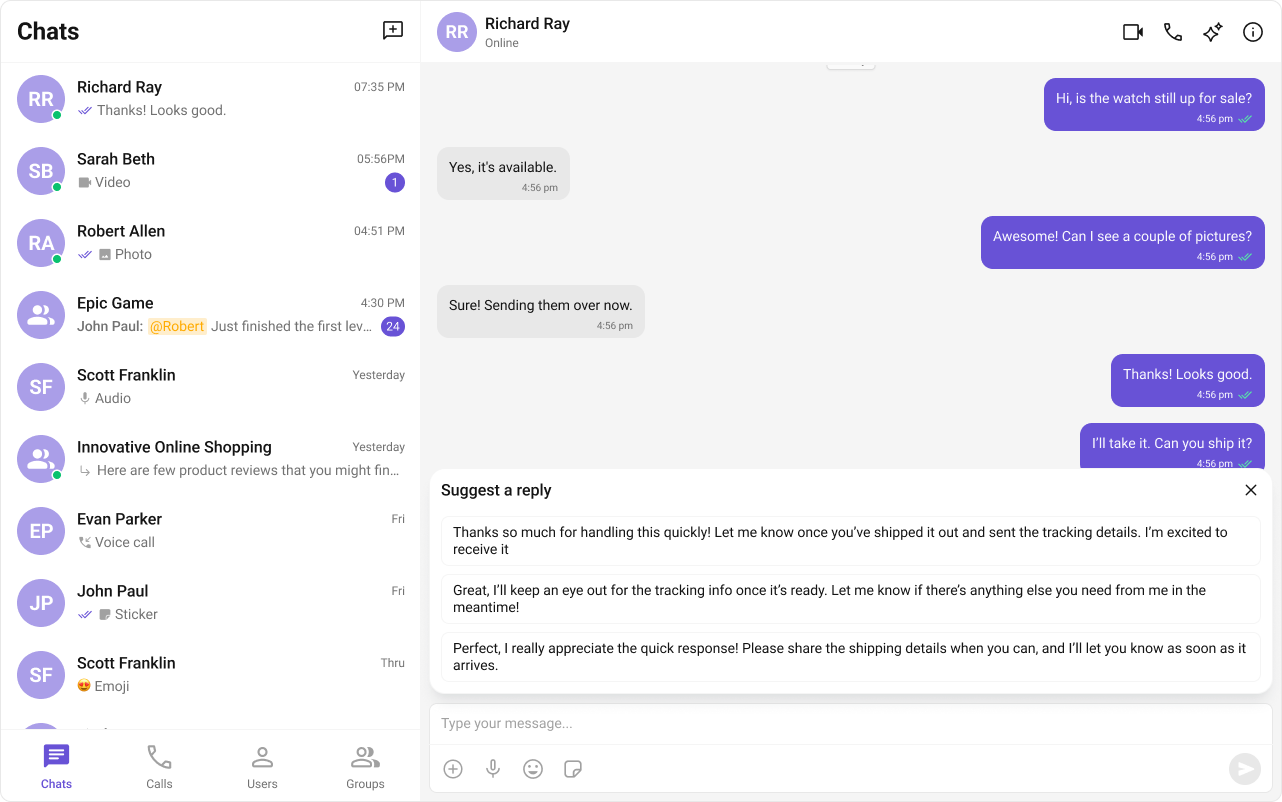
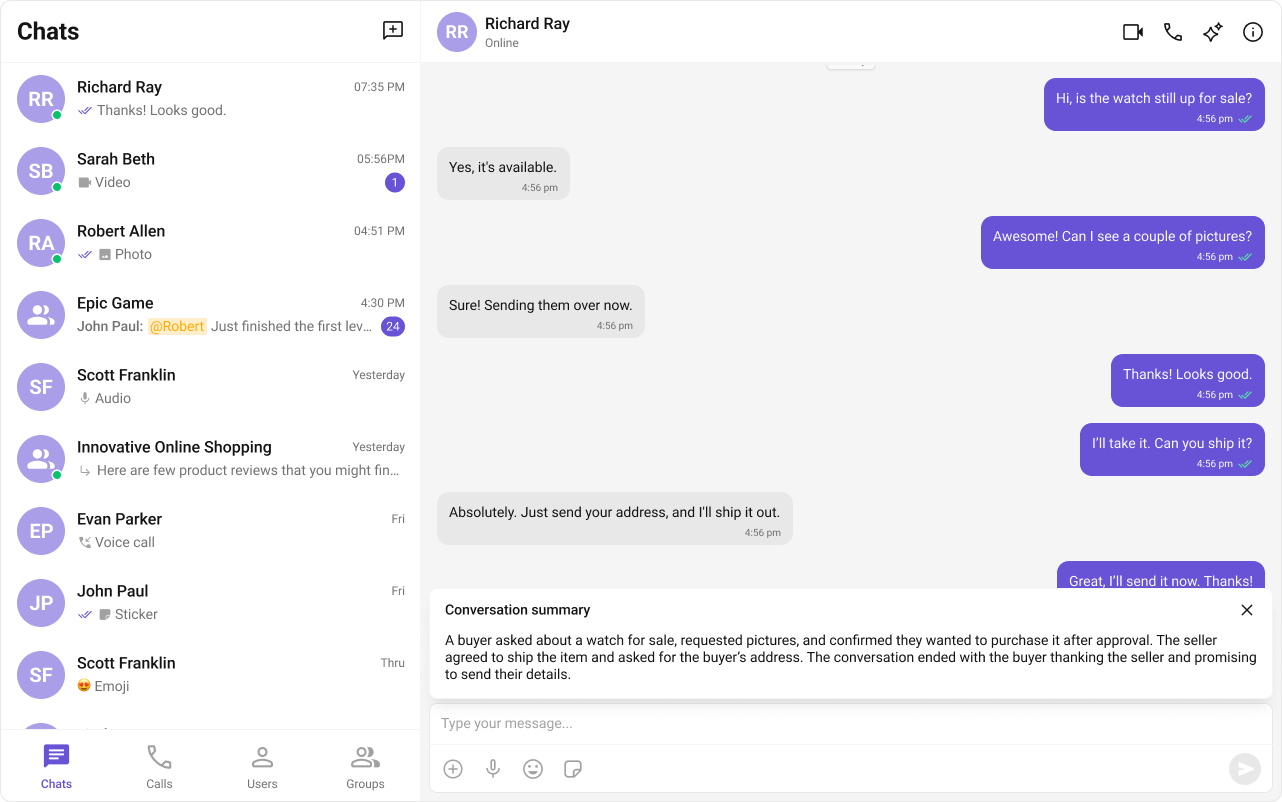
Conversation Summary
AI-generated recap of long conversations. See Conversation Summary. Auto-integrates into the Action Sheet of MessageComposer when activated.